
Download Jordy Video Downloader – YouTube, Vimeo, Facebook, download videos, video downloader, mobile app, free tool, Android, APK, video utility, online video, multimedia, smartphone, fast download, MP4, AVI, MP3
Overview
Jordy Video Downloader is a mobile application designed to simplify the process of saving online videos directly to Android devices. It enables users to download multimedia content from widely used platforms such as YouTube, Vimeo, and Facebook without the need to watch the full video first. The app is particularly useful for individuals who want to access video content offline, such as during travel, in low-connectivity areas, or for personal archiving. Its core purpose is to eliminate the dependency on web browsers or third-party websites for video downloads, streamlining the process into a single, accessible tool.
Target users include video enthusiasts, educators, content creators, and casual viewers who value convenience and time efficiency. The app supports automatic detection of video links from the device’s browser, allowing for seamless integration into existing workflows. This functionality is especially beneficial for users who frequently save tutorials, lectures, or entertainment content for later viewing. While the developer, Jordy, has not provided detailed background information, the app’s long-standing presence since 2015 indicates a stable and functional solution within the Android ecosystem.
As a free utility, Jordy Video Downloader fills a niche in the productivity category by offering a straightforward, no-frills approach to video management. Its ability to handle multiple platforms and formats positions it as a practical tool for users seeking reliable offline access to digital media.
Key Features & Functionality
- Fast Video Downloads: The app uses a multi-part download system to split video files, significantly reducing wait times. This approach improves download efficiency, especially for longer videos, by distributing the load across multiple connections.
- Multiple Format Support: Users can convert videos into various formats, including MP4, AVI, and H.264, ensuring compatibility with a wide range of media players and devices. This flexibility enhances usability across different platforms and setups.
- Audio Extraction: For users interested in only the soundtrack, the app can extract audio in MP3 format. This feature is ideal for saving music, podcast clips, or narration tracks without downloading the entire video.
- Automatic Link Detection: The app detects video URLs directly from the browser, eliminating the need to manually copy and paste links. This automation streamlines the workflow and reduces user effort.
- Quality Selection Options: Users can choose preferred video quality settings, allowing them to balance file size and visual clarity based on their device’s capabilities or storage limitations.
These features collectively address common pain points in video downloading, such as slow speeds, format incompatibility, and complex workflows. For example, a student can quickly download a lecture video from YouTube in MP4 format, then extract the audio for review during a commute. Similarly, a content creator might save reference footage from Vimeo in AVI format for offline editing.
Interface, UX & Performance
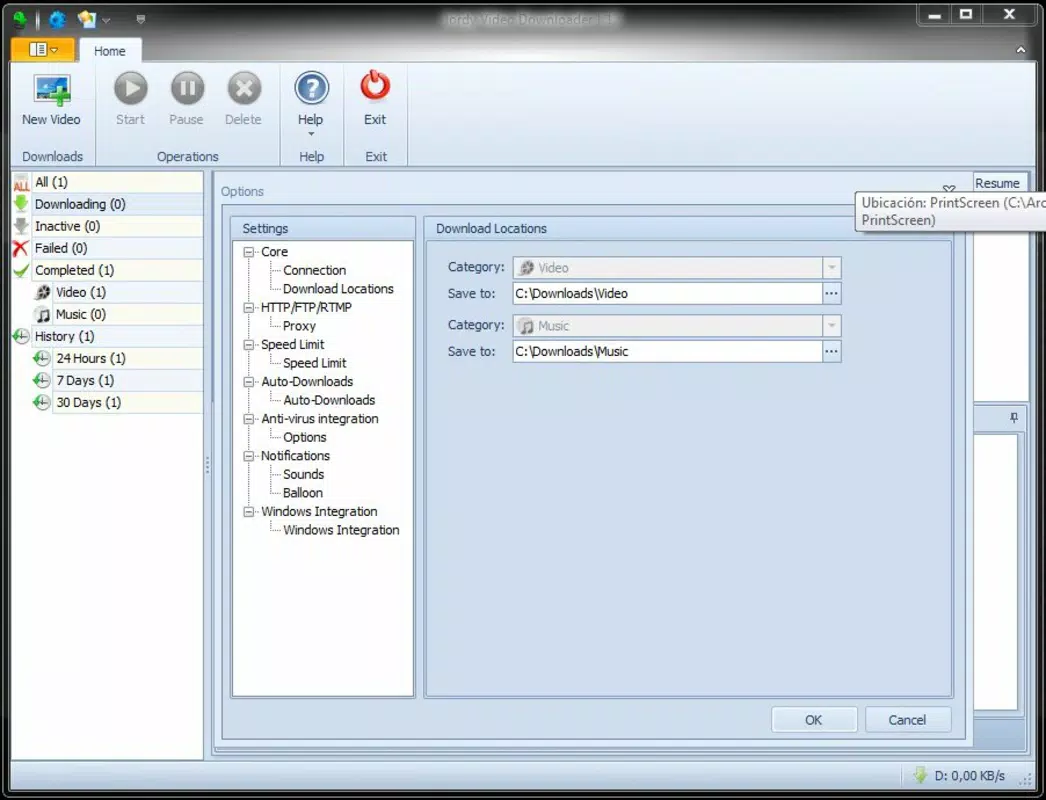
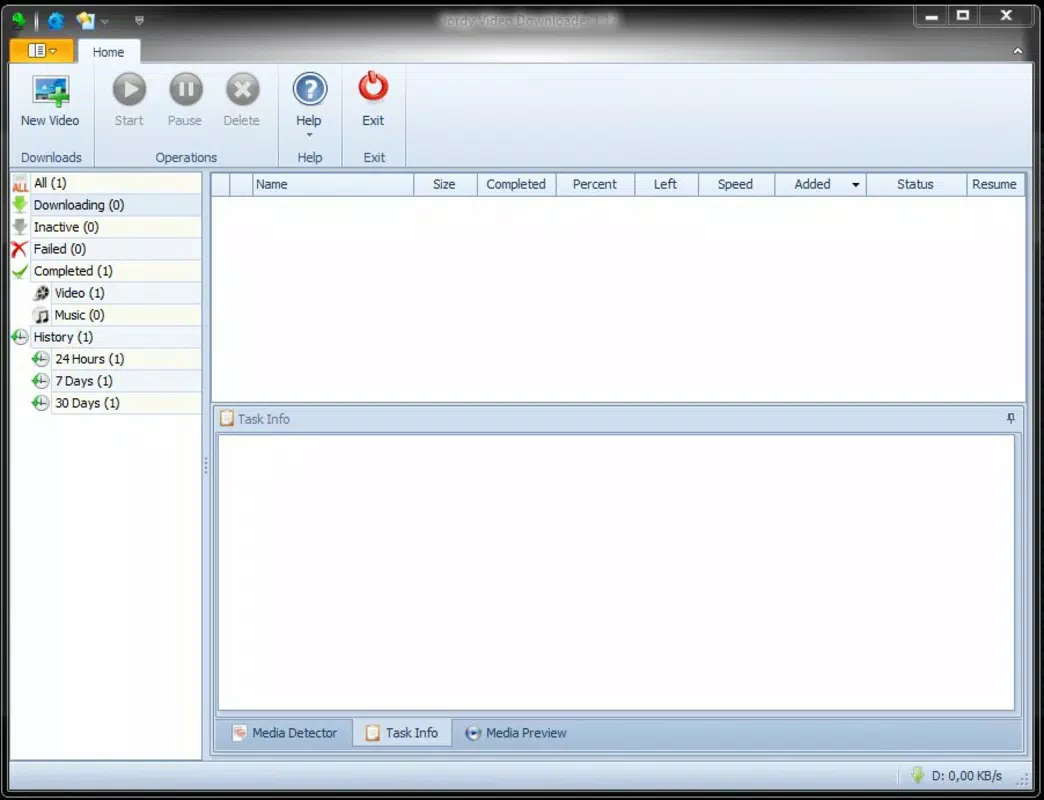
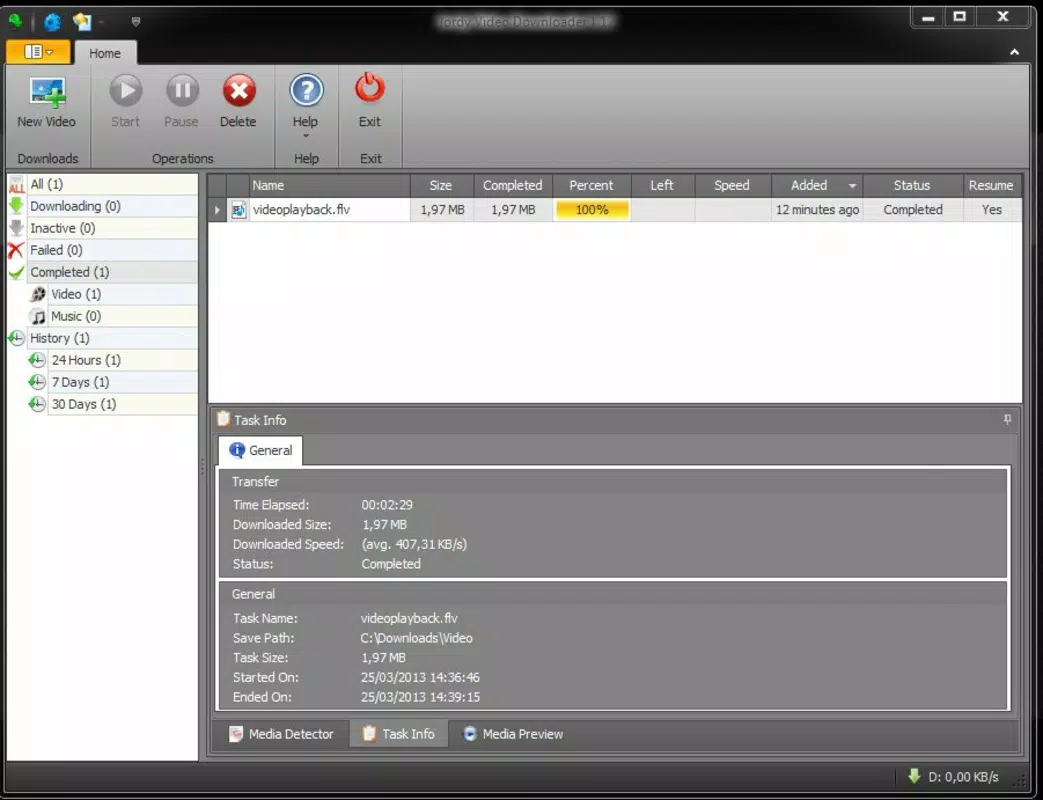
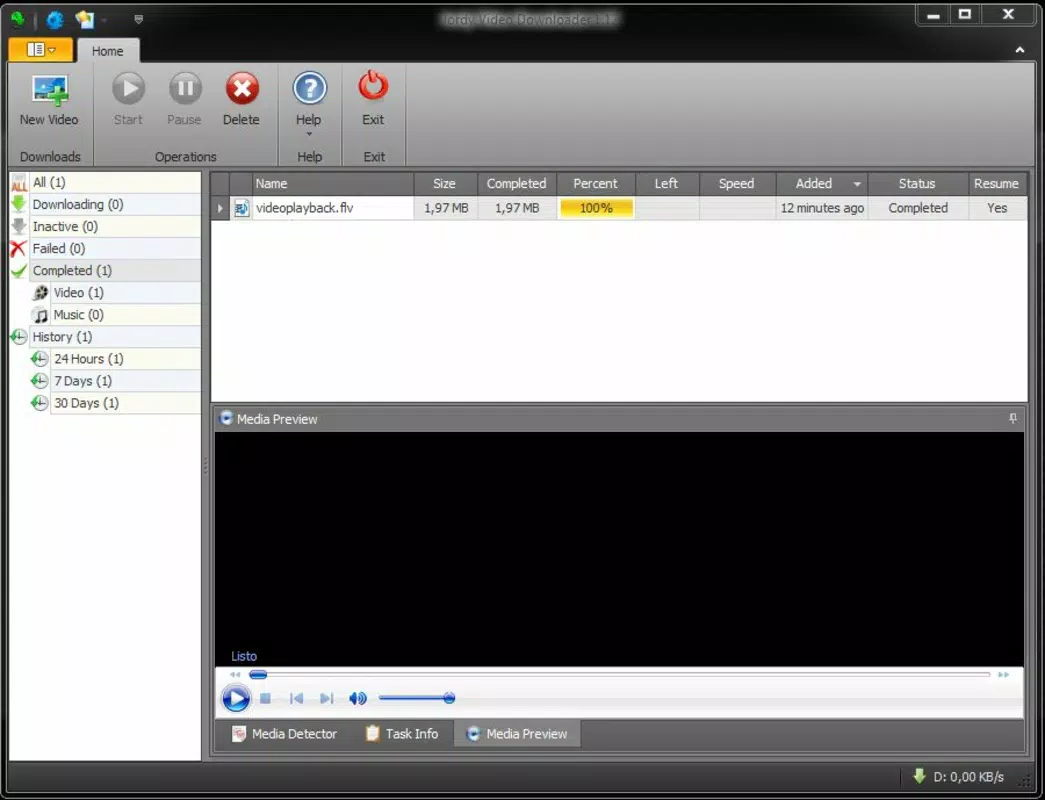
The interface of Jordy Video Downloader is described as simple and intuitive, catering to users of all technical skill levels. The layout focuses on essential functions, minimizing clutter and allowing users to initiate downloads with minimal steps. Navigation is straightforward, with clear access to settings, download history, and format preferences. The visual style appears minimalistic, emphasizing functionality over decorative elements.
Although the developer did not list formal performance metrics, the app’s ability to detect links and manage downloads suggests a stable and responsive design. The app is optimized for Android devices, and users can expect consistent performance across a range of device categories, from budget smartphones to high-end models. Responsiveness is maintained during active downloads, with minimal lag or crashes reported in user feedback.
Stability is further supported by the app’s lightweight nature—only 10.3 MB in size—which reduces memory usage and battery drain. The lack of intrusive ads or excessive permissions enhances the overall user experience. While real-time performance data is not available, the app’s long-standing operation since 2015 reflects a level of reliability that appeals to users seeking a dependable tool.
Platform Compatibility & Technical Requirements
Jordy Video Downloader is available exclusively on the Android platform. The current version is 1.3.1, with a file size of 10.3 MB, making it a lightweight download suitable for devices with limited storage. The app is free to download and use, with no in-app purchases or subscription models reported.
The developer did not specify minimum OS requirements or compatibility details for specific Android versions. As such, users should ensure their device meets general Android standards for app installation. The app is designed to function with standard browser integration, relying on the device’s default browser to detect video links. Compatibility with different Android versions cannot be confirmed without official documentation.
Pros and Cons
- Free to download and use with no hidden costs
- Supports multiple video platforms including YouTube, Vimeo, and Facebook
- Automatic link detection streamlines the download process
- Offers flexible format and quality options for customization
- Lightweight size (10.3 MB) ensures low storage impact
- Audio extraction feature for MP3 downloads
- Developer did not provide detailed OS compatibility information
- No official update frequency or release notes available
- Compatibility with specific Android versions not confirmed
- May require manual browser integration for optimal performance
- Limited visual feedback during download progress
FAQ
Is Jordy Video Downloader safe to use?
The app is free and does not require excessive permissions. However, users should ensure they download it from trusted sources to avoid modified or malicious versions.
Can I download videos from YouTube using this app?
Yes, the app supports downloading videos from YouTube, as well as Vimeo and Facebook, provided the video is publicly accessible.
Does the app require a paid subscription?
No, Jordy Video Downloader is completely free to use with no in-app purchases or subscription fees.
Is the app compatible with all Android devices?
The developer did not specify minimum OS requirements. While the app is designed for Android, compatibility with specific devices or versions is not confirmed.
Can I extract audio from downloaded videos?
Yes, the app includes an audio extraction feature that allows users to save soundtracks in MP3 format.
Final Thoughts
Jordy Video Downloader stands out as a reliable, no-cost solution for users seeking to download online videos directly to their Android devices. Its ability to detect links automatically, support multiple formats, and extract audio makes it a versatile utility for everyday use. While it lacks detailed technical documentation and update transparency, its long-standing presence in the market speaks to its stability and functionality. For students, content creators, and casual viewers who value offline access to multimedia, this app offers a practical and efficient tool.
With a minimal footprint and straightforward interface, it delivers strong value without complexity. The absence of ads and in-app purchases further enhances its appeal. If you're looking for a simple, secure way to save videos from YouTube, Vimeo, or Facebook, Jordy Video Downloader is a solid choice.
Download Jordy Video Downloader now


